How to Tell If Your Phone Has Water Damage (Even If It Looks Fine)
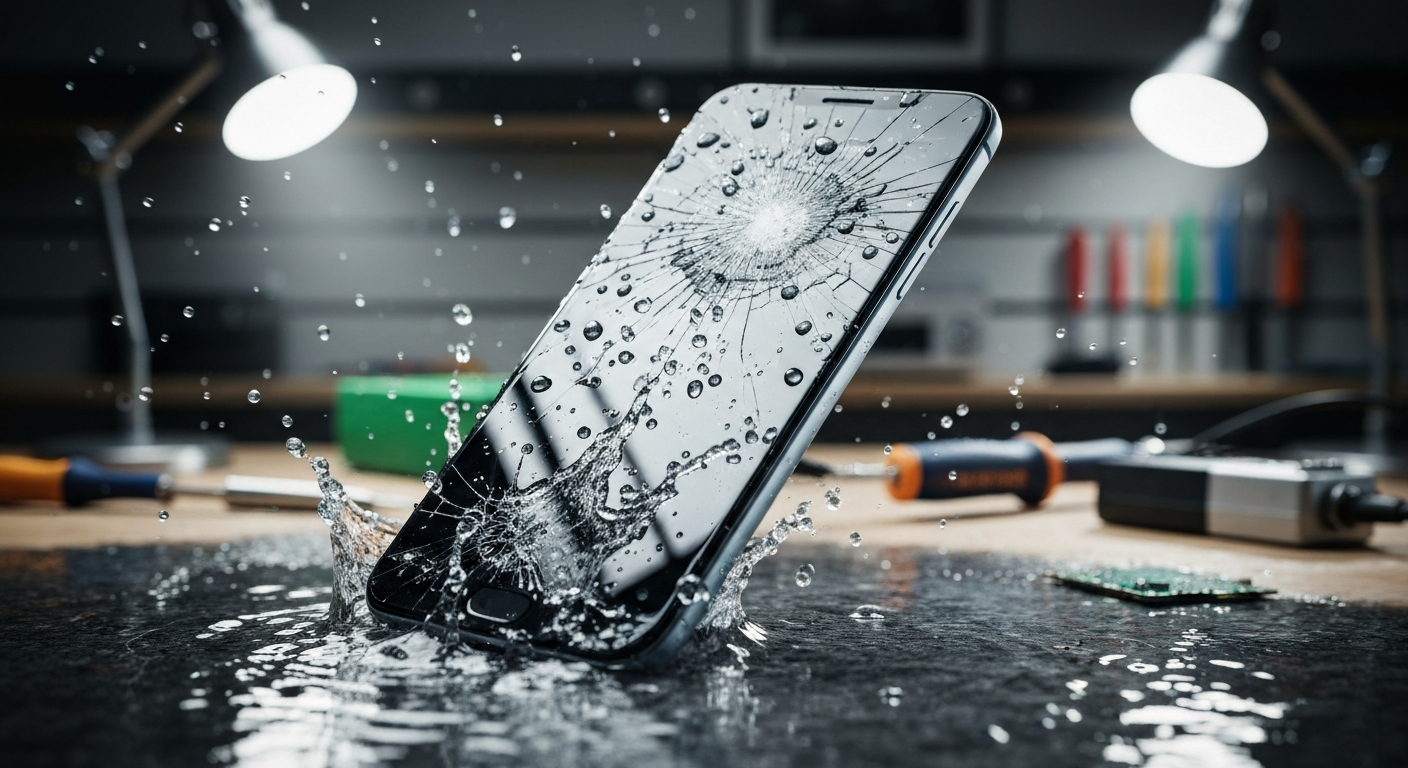
So your phone took a splash and seems fine. The problem? Water damage is sneaky. Corrosion can slowly destroy your motherboard over days or weeks, even when the screen looks perfect. Here's how to spot trouble early.
Watch for These Warning Signs
- Speakers sound muffled or distorted
- The screen has faint foggy patches or lines
- The phone runs unusually hot
- Battery drains fast or the phone reboots on its own
- Charging is intermittent
Don't Trust the LCI
Most phones have a Liquid Contact Indicator that turns red when wet — but it only tells you water got in, not how deep it went. A dry LCI doesn't guarantee the internals are clean.
Don't Use Rice
The rice trick is a myth. It doesn't pull moisture out of the phone and rice dust can make things worse. Power the phone off and bring it to a professional for an internal cleaning.
Bring It In Fast
The sooner a technician cleans the logic board, the better the odds of a full recovery. Don't wait for symptoms. If you dropped your phone in water, follow these steps and bring it to TechPoint LLC in Casper right away.
 TechPoint Wireless & Internet