Is Your PS5 Overheating? Here's What's Happening Inside
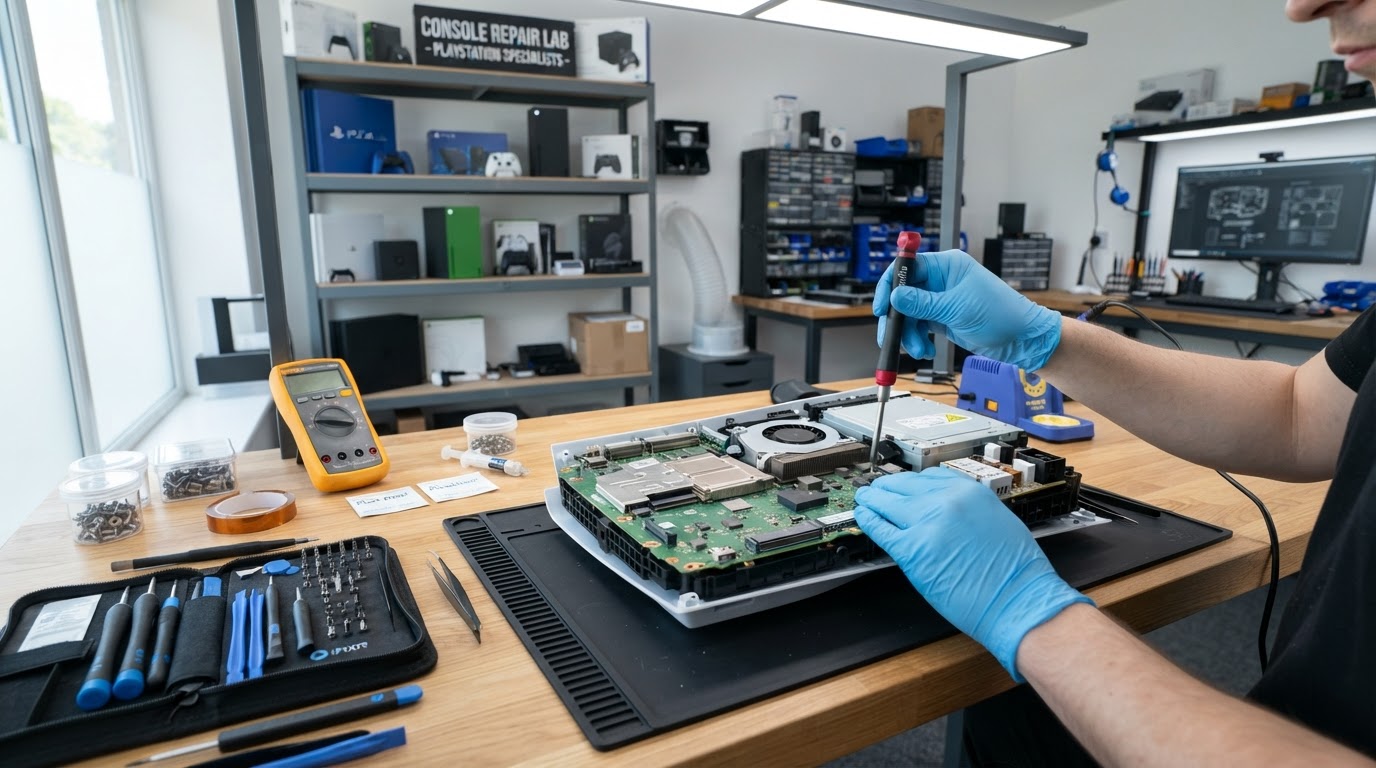
If your PS5 powers itself off after a short gaming session, it's almost certainly triggering its thermal protection. The console is shutting down to protect its processor from heat damage. Here's what's going on inside.
Cause 1: Dust Buildup
Over time, dust clogs the intake vents and coats the heatsink fins, blocking airflow. The fans spin harder but can't move enough air to cool the chip.
Cause 2: Dried-Out Thermal Paste
Thermal paste transfers heat from the processor to the heatsink. After years of use it dries out and loses effectiveness, causing rapid temperature spikes.
Cause 3: Liquid Metal Issues
The PS5 uses liquid metal as a thermal interface. If it has migrated or dried unevenly, heat transfer drops dramatically and overheating follows.
Cause 4: Failing Fan
A fan bearing that's wearing out won't spin at full speed, leaving the console to cook.
How We Fix It
We open the console, clean the heatsink and fan, reapply quality thermal compound, and re-seat the cooling assembly. For most PS5 repairs, this restores normal operation. Bring your overheating PS5 to TechPoint LLC in Casper for a free diagnostic.
 TechPoint Wireless & Internet