How to Speed Up a Slow Windows 10 PC Without Buying New Hardware
A slow Windows 10 PC doesn't necessarily need replacing. Often it's a software issue or an aging hard drive holding you back. Try these fixes first.
1. Disable Startup Programs
Open Task Manager, go to the Startup tab, and disable apps you don't need launching at boot. This alone can shave minutes off your boot time.
2. Clean Up Disk Space
Run Disk Cleanup and remove temporary files, old downloads, and unused apps. A drive that's over 85% full slows everything down.
3. Upgrade to an SSD
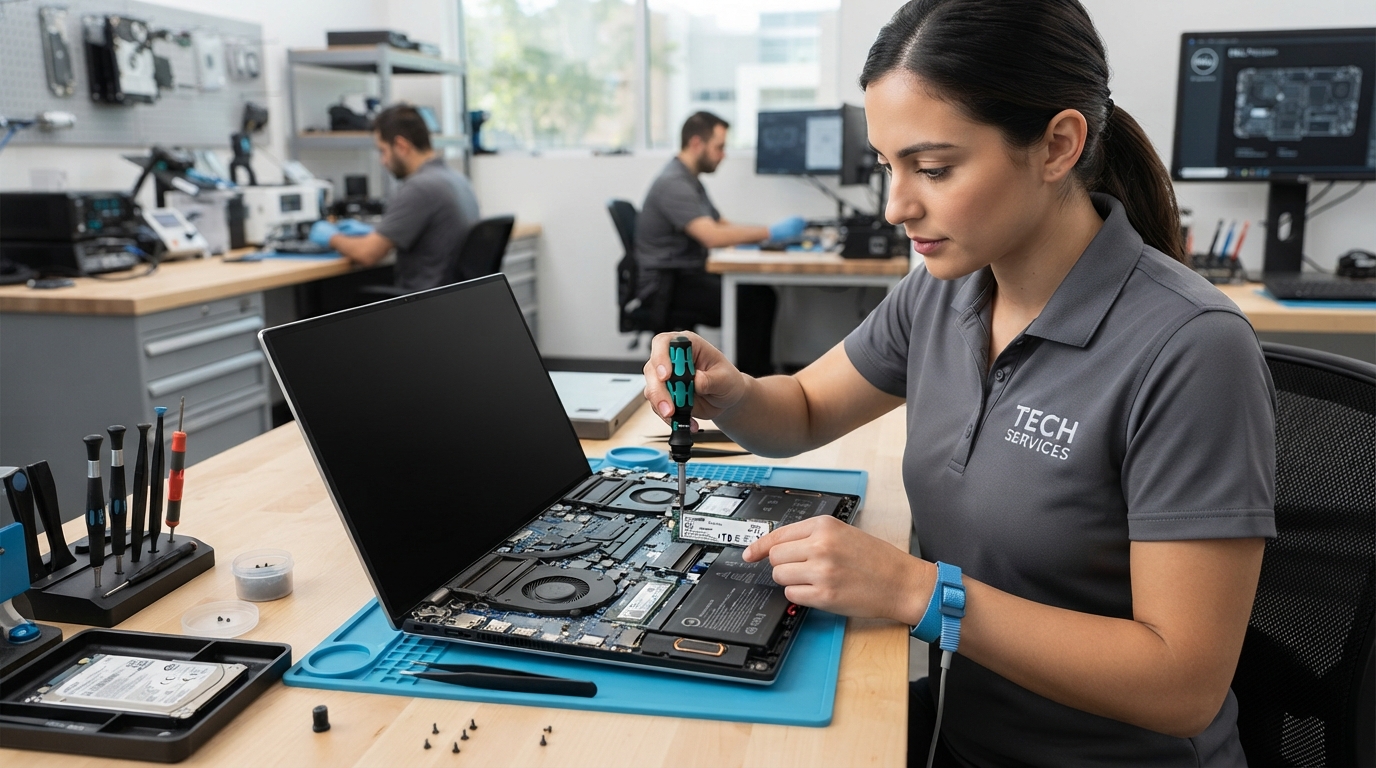
If your PC still has a spinning hard drive, an SSD upgrade is the single biggest speed boost you can get — often 5–10x faster boot and load times. We clone your drive so nothing changes.
4. Add More RAM
If you're running 4GB or 8GB and multitasking, adding RAM lets Windows keep more apps active without slowing down. Here's how to tell if you need more.
5. Remove Malware
Background malware quietly eats resources. A professional virus removal can restore performance you didn't know you'd lost.
Still slow after all that? Bring your PC to TechPoint LLC in Casper for a free diagnostic.
 TechPoint Wireless & Internet