How an SSD Upgrade Can Breathe New Life Into an Old Laptop
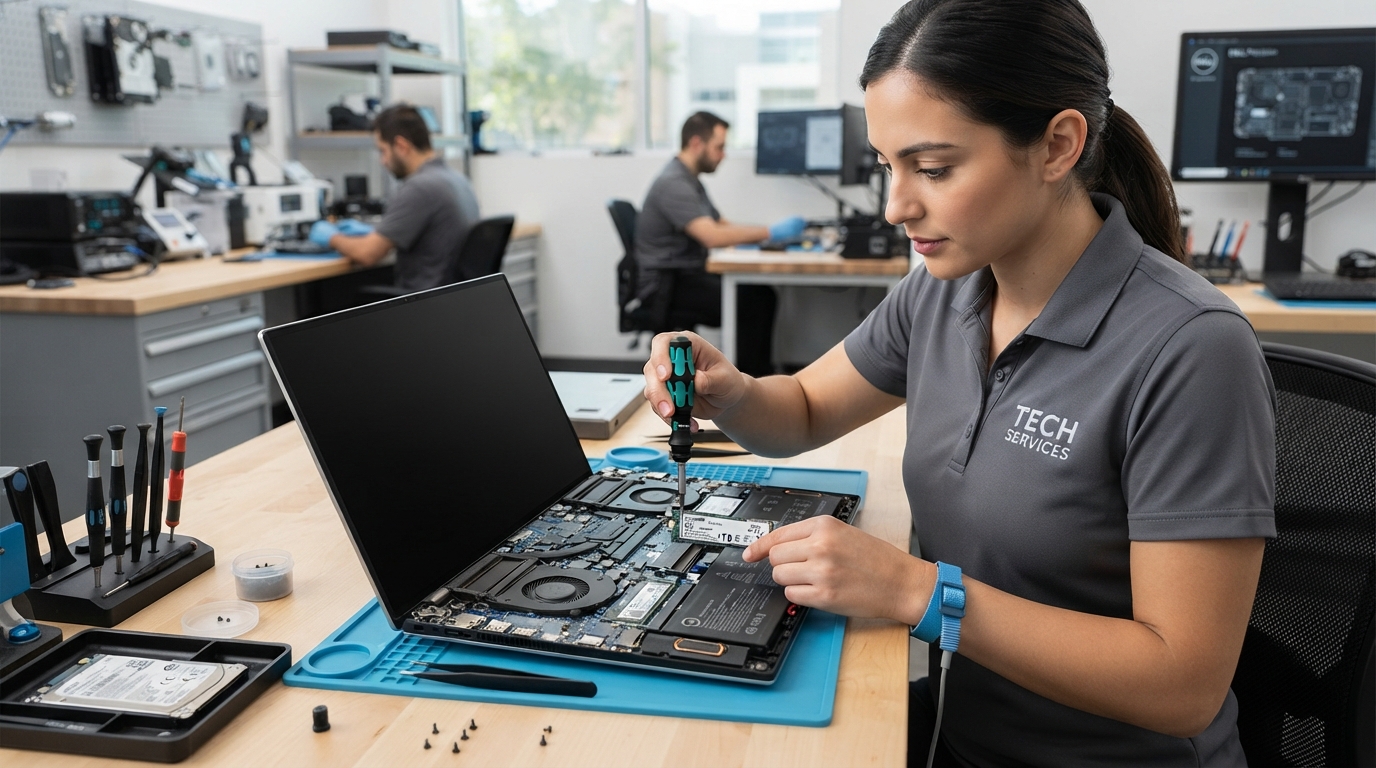
If your laptop takes forever to boot up, apps load at a snail's pace, and even opening a simple spreadsheet feels like a chore, the problem might not be your processor — it's your hard drive. Upgrading from a traditional hard drive to a Solid State Drive (SSD) is the single most impactful upgrade you can make to an older computer.
Hard Drive vs. SSD: What's the Difference?
Traditional hard drives (HDDs) use spinning magnetic disks to read and write data. They're slow and have moving parts that can fail. SSDs, on the other hand, use flash memory — similar to a USB thumb drive but much faster. With no moving parts, SSDs are not only dramatically faster but also more durable and energy-efficient.
The Speed Difference is Night and Day
A laptop with a traditional hard drive might take 60-90 seconds to boot. The same laptop with an SSD typically boots in 10-15 seconds. Apps open nearly instantly. File transfers that used to take minutes now take seconds. It's not a marginal improvement — it's a transformational one.
Is Your Laptop a Good Candidate?
Most laptops from the last 7-8 years can be upgraded to an SSD. If your laptop currently has a 2.5-inch SATA hard drive, we can swap it for a SATA SSD. Newer laptops may use M.2 NVMe SSDs, which are even faster. We'll check your laptop's compatibility and recommend the right drive.
What About Your Data?
Don't worry about losing your files. At TechPoint LLC, we clone your entire hard drive to the new SSD, so when you get your laptop back, everything is exactly where you left it — just dramatically faster.
Ready to make your old laptop feel new again? Stop by TechPoint LLC in Casper at 2325 E 12th St, or call (307) 337-9802 to get a quote on an SSD upgrade today!
 TechPoint Wireless & Internet